
thumbnail
Designing

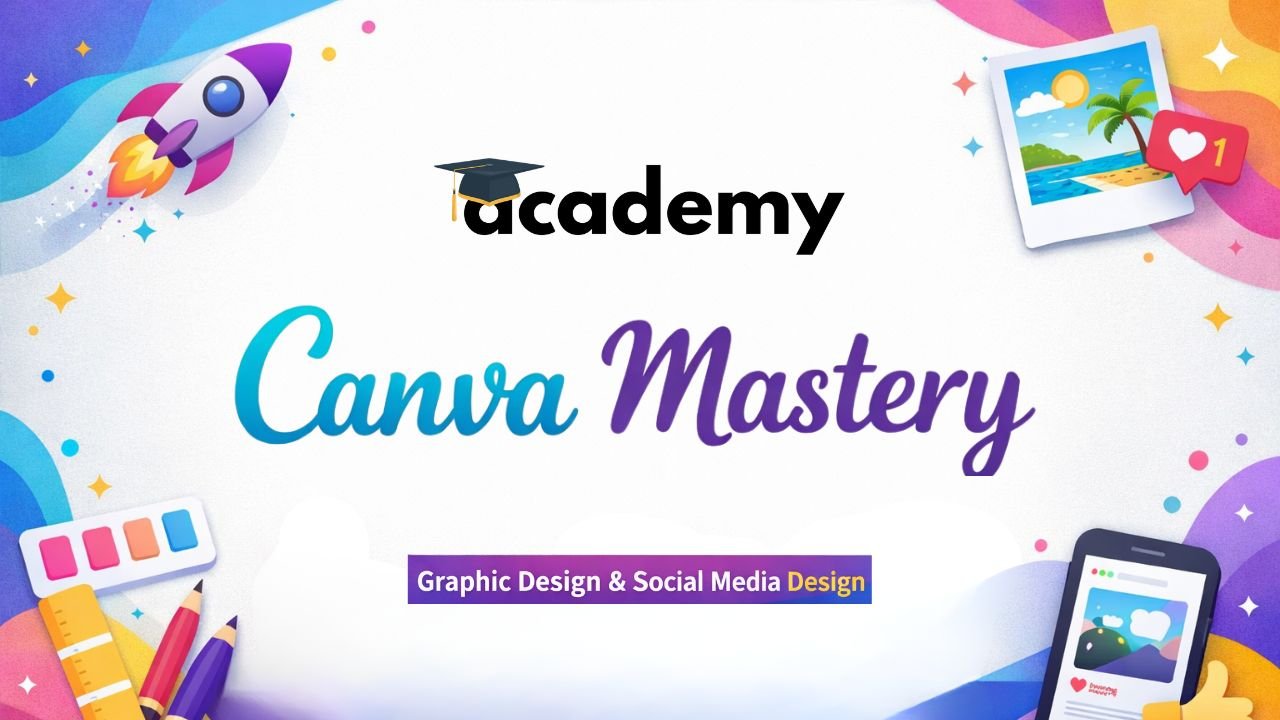
Canva Designing Mastery
Instructor

DotFiv Team

Reviews 0 (0 Reviews)

Course Overview

This course will help students learn Canva from beginner to advanced level. Students will learn how to design social media posts, presentations, marketing materials, logos, thumbnails, and professional graphics using Canva. By the end of the course, students will be able to create high-quality designs for personal branding, business, and freelancing.

What You'll Learn?

  • Design professional graphics using Canva
  • Create social media marketing designs
  • Design presentations and branding materials
  • Edit photos and videos in Canva
  • Start freelancing with Canva design skills
  • Students
  • Entrepreneurs & Small Business Owners
  • Social Media Managers
  • Content Creators & Influencers
  • Freelancers & Beginners
  • Marketing Professionals
  • Basic Computer Knowledge
  • Interest in Creativity & Design
  • Video Lessons
  • Certificate of Completion
  • Design Templates
  • Practice Assignments

Course Content

  • Introduction to Canva
    • What is Canva? Overview of Graphic Design

    • Creating a Canva Account

    • Canva Free vs Canva Pro

    • Understanding Canva Dashboard

    • Navigating the Canva Interface

  • Canva Design Basics
    • Understanding Templates

    • Adding & Editing Text

    • Fonts and Typography Basics

    • Colors and Brand Colors

    • Using Shapes, Icons, and Elements

  • Social Media Design
    • Instagram Post Design

    • Instagram Story Design

    • Facebook Post & Cover Design

    • LinkedIn Post Design

    • YouTube Thumbnail Design

  • Marketing & Business Design
    • Designing Posters and Flyers

    • Creating Business Cards

    • Designing Brochures

    • Designing Banners and Ads

  • Presentation Design
    • Canva Presentation Templates

    • Slide Layout and Design Principles

    • Adding Icons, Images, and Charts

    • Animations and Transitions

  • Canva Photo & Video Editing
    • Basic Photo Editing

    • Background Remover Tool

    • Image Effects and Filters

    • Canva Video Editor Basics

    • Adding Music and Transitions

  • Branding & Advanced Tools
    • Creating Brand Kits

    • Uploading Custom Fonts & Images

    • Using Magic Resize Tool

    • Working with Layers and Transparency

  • Freelancing & Project Work
    • Using Canva for Freelancing

    • Selling Designs Online

    • Portfolio Creation

    • Final Project

Original price was: ₹4,999.00.Current price is: ₹1,999.00.
  • Course Level Experts
  • Lessons 36
  • Duration 25 hr
  • Language Hindi
  • Additional Resource 0
  • Last Update March 13, 2026